Please upload images to process here:

AI Image Enlarger

Enlarge photo online in one click
Sign Up to get free credits every month

Enlarging process takes 10-60 sec

Credit Balance:
Add file
Add file or drop files here

Supports JPG, JPEG, PNG, WEBP or BMP up to 30MB and 2000x2000; larger images will be downsized.

Thumbnail Type Input Output Status Name

Processed images


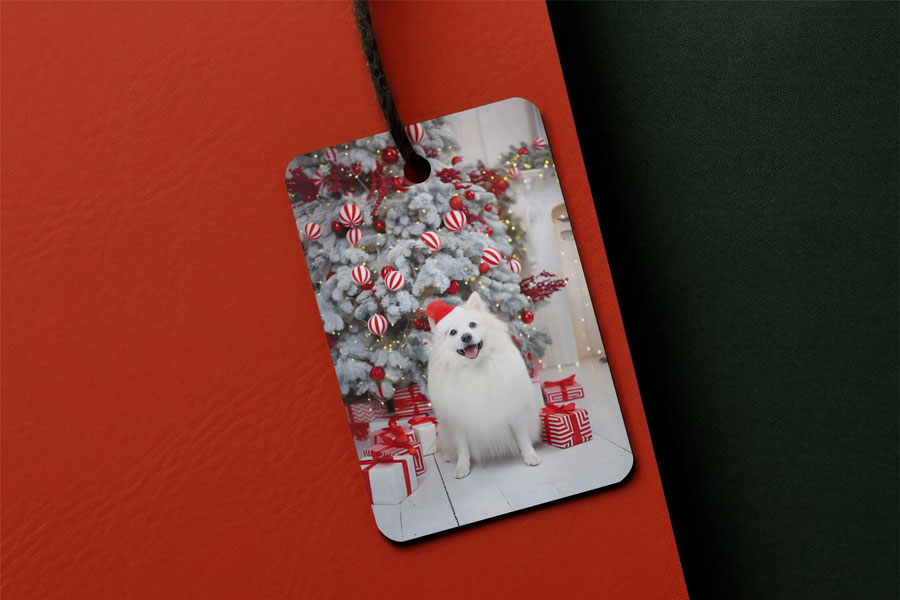
  • Before enlarge image for printing After enlarge image for printing

    Enlarge Image for Printing

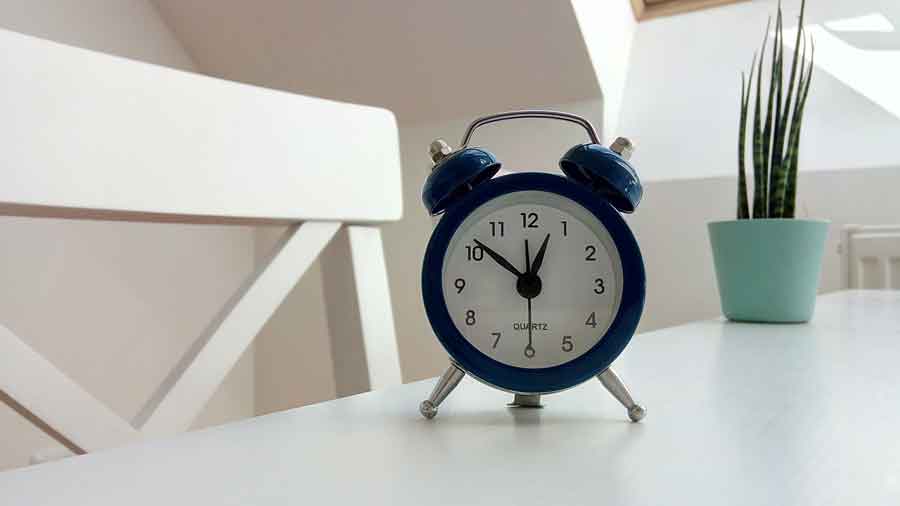
  • Before enlarge product photo After enlarge product photo

    Enlarge Product Photo for Amazon

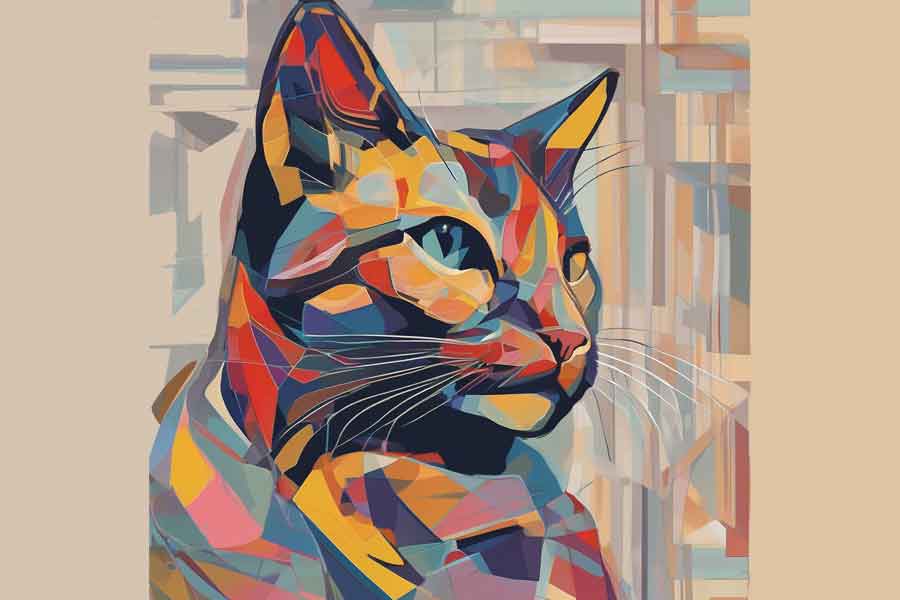
  • Before enlarge photo After enlarge photo

    Enlarge AI Generated Images

Before make image bigger After make image bigger

Make Image Bigger Without Losing Quality

AI Image Enlarger is an advanced tool designed to make visuals larger while preserving clarity and detail. It uses a trained AI model to increase image size up to 8x without losing quality, instead of simply stretching the file. This method helps maintain sharp edges, balanced textures, and overall image integrity during enlargement. The photo enlarger is built for users who need reliable image enlarging without complex editing steps, offering a streamlined interface that allows you to extend your photo quickly and efficiently.

Start Enlarging
Before enlarge image After enlarge image

Enlarge Image for Printing up to 16k

Large format printing requires images that stay clear and detailed at bigger sizes. Whether you are preparing advertising banners, exhibition displays, or artistic prints, the file must remain clean and visually consistent when printed. AI Image Enlarger allows you to enlarge image files up to 16K, making them suitable for large-format output. The final dimensions depend on the original image size and selected enlargement level (2x, 4x, 6x, or 8x). After setting the required DPI, the enlarged image can be used for printing while maintaining visual clarity and structure.

Start Enlarging
Before enlarge image After enlarge image

Enlarge Photo for E-commerce

Large product photos help customers clearly see design details, materials, and textures before making a purchase. In e-commerce, images often need to be displayed in zoom views, product galleries, and marketplace listings where larger visuals provide a better viewing experience. AI Image Enlarger allows you to make product photos bigger so they remain clear and suitable for online stores. Whether you are presenting jewelry, electronics, or interior items, the tool helps enlarge images that display product details more clearly across your store pages.

Start Enlarging

How to make an image bigger for free?

No manual editing or complicated settings – just one click and you get your bigger image. Discover the magic for yourself! Upload a photo now and witness the transformation firsthand. Enlarge your images without losing quality with our intuitive online tool for free in a few steps:

  • Step 1: Click the “Add file” button and upload the image you wish to enlarge.
  • Step 2: Set up processing options: 2X, 4X (If you want 6X, 8X, you need to subscribe)
  • Step 3: Our AI technology instantly begins processing your image. The photo enlargement process takes 10-40 seconds.
  • Step 4: After processing, click Edit this image if you want to adjust the result. In the editor, you can crop, rotate or flip the picture, fine-tune colours, apply filters, add watermarks or annotations, or manually set a new size by entering exact dimensions.
  • Step 5: Check and save the resized image to your device.

You can enlarge 5 images for free. With a subscription, you get 6 credits per month.

What Users Say About Our AI Image Enlarger

  • Everything is pretty good. What I like most is the ease of increasing the size of images and downloading them

    Anonymous

  • Everything is great. It was a good experience with Enlarger

    Anonymous

  • I enjoy the quality provided and ease of use. Pretty great tool.

    Anonymous

  • Awesome speed and quality.

    Anonymous

  • Software is perfect. What I like most is the geral result.

    Cristina López, México

  • Very good software, it works perfectly

    Anonymous

FAQ:

01

How to Prepare the Image for Print?

To prepare an image for print, ensure it's big enough to avoid a blurry or pixelated printout. If your picture is too small, use our AI Image Enlarger software to make it bigger. Our AI algorithms extend the image while preserving detail, making it suitable even for large-format printing. Always start with the highest quality image you have for the best results.
02

Does an online image enlarger have any limits?

Yes, AI Image Enlarger has some limitations, including:
  • The maximum image size is 30 Mb.
  • Upload Image width and height are limited to 10000 pixels. But the download image can be no more than 16000x16000 pixels
03

What is the difference between Enlarged Image and Upscaled Image?

Enlarged and upscaled images both use AI to adjust image size but have different focuses. Enlargement increases size while preserving quality and detail, whereas upscaling improves resolution and sharpness by enhancing pixel density. Essentially, while both processes make an image larger, upscaling is particularly concerned with enhancing image quality at higher resolutions.
04

How does AI Image Enlarger work?

AI Image Enlarger uses a type of smart algorithm called Convolutional Neural Networks (CNNs) to make images bigger. CNNs are really good at understanding pictures by looking at the patterns and textures, kind of like how our brains recognize faces or objects. When the AI enlarges and extends an image, it uses what it has learned from lots of other images to guess the best way to add new details, making the picture bigger without losing quality.
05

Can I customize the level of the photo enlargement?

Yes, using our workspace you can choose between 4K, 8K, 12K, and 16K. AI Image Enalrher will make the image larger in 4 times based on the original image's dimensions.
06

What images are best enlarged?

For enlarged image processing the best suits images with clearly drawn details and contours. Photos that are already of good quality and contain a significant amount of detail will benefit the most from the enlargement process, as the AI has more information to work with and can more accurately enlarge and extend the image.
07

Is the AI Image Enlarger free?

If you non-login user, you can enlarge up to 3 photos per month for free. AI Image Enlarger provides 3 free credits per month for all registered users so you can make 3 pictures bigger monthly without any charges. Register now.
08

What is an Image Enlarger?

An Image Enlarger is an AI tool that increases the size of a photo while keeping it clear by recreating missing details instead of just making the pixels bigger.
09

What can Photo Enlarger be used for?

Photo Enlarger can be used in many situations where larger, high-quality images are needed. Photographers use it to prepare photos for large format prints, designers for banners and posters, and web developers for high-resolution displays. It is also useful for digital art, research materials, real estate listings, and marketing content where clear, detailed images are important. The tool can automatically increase image size up to 4K, 8K, 12K, or 16K while preserving visual detail.
010

What should I consider when enlarging a photo?

For the best results, start with the highest-quality original image available. If needed, you can use our Image Enhancer to improve image quality before enlarging. Make sure the aspect ratio fits your needs to avoid unwanted cropping or distortion after enlargement. It’s also helpful to preview the result before saving and experiment with different enlargement levels to find the right balance between image size and visual quality.